Stands & risers to lift your screen to eye level
A screen that sits too low pulls your head forward and loads your neck all day. Stands and risers fix that without a mounted arm: set the laptop or monitor higher, clear the desk underneath, and look straight ahead. Ideal if you want the height gain of a monitor arm but prefer something you just place on the desk.
An ergonomic laptop stand or monitor riser lifts your screen so its top third meets your eye line — the single biggest fix for desk neck pain. Pair a stand with an external keyboard and mouse. Deskt's risers ship free within the Netherlands with a 2-year warranty.
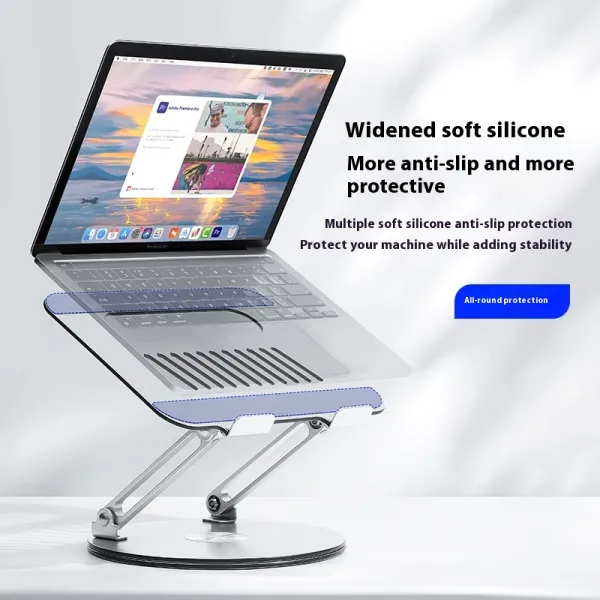
Rise Aluminium Laptop Stand
Rotatable aluminium, lifts screen to eye level
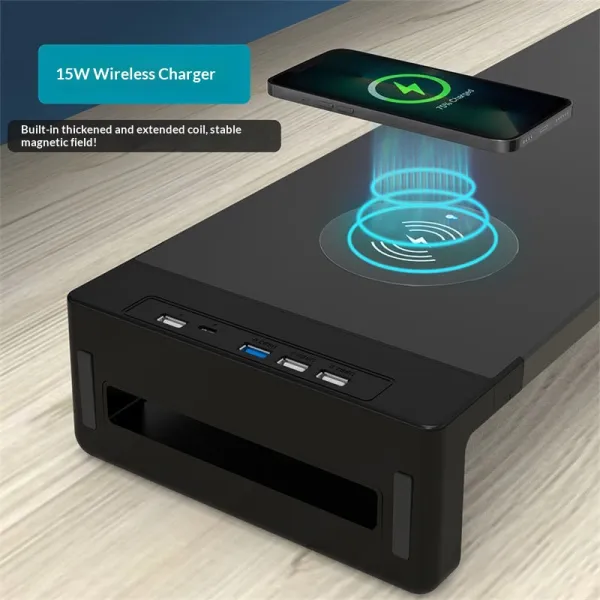
Charge Monitor Riser
Monitor riser with built-in wireless charging pad
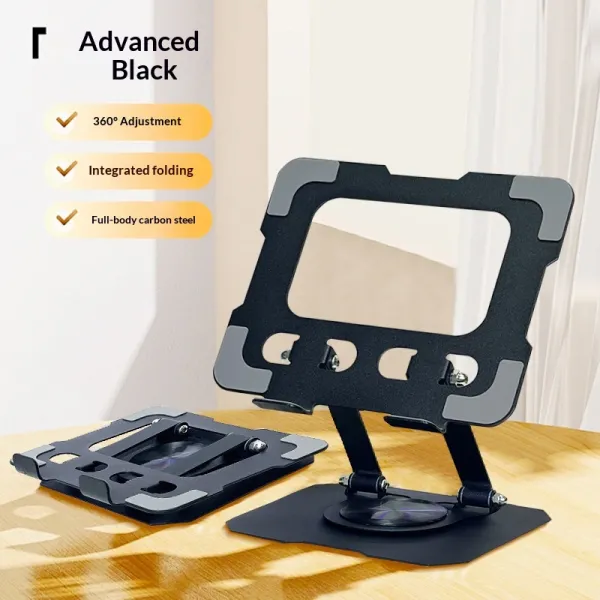
Fold Travel Tablet Stand
Folds flat, height-adjustable, bag-friendly

Weave Mesh Monitor Riser
Steel mesh riser with pull-out drawer
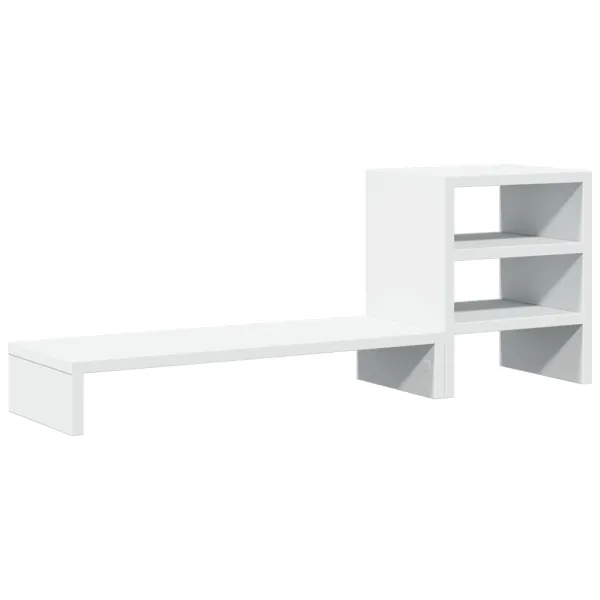
Cove Monitor Stand with Organizer
Riser plus side shelves in one piece
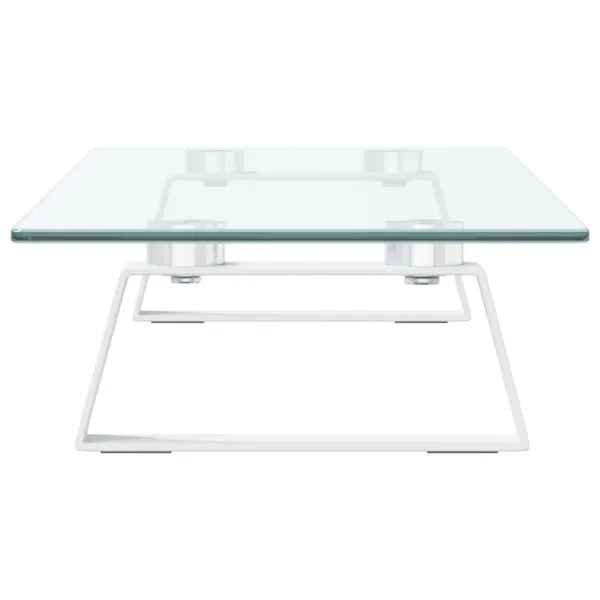
Glaze Glass Monitor Riser
Tempered glass top, keyboard slides under
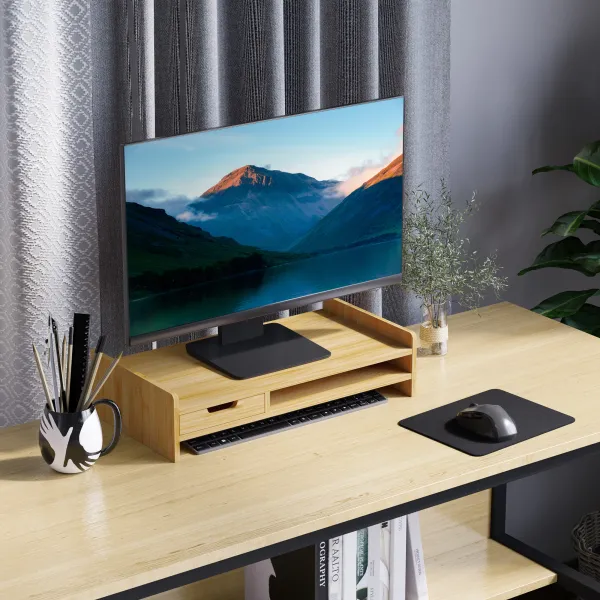
Grove Bamboo Drawer Riser
Bamboo riser with drawer and shelf tier
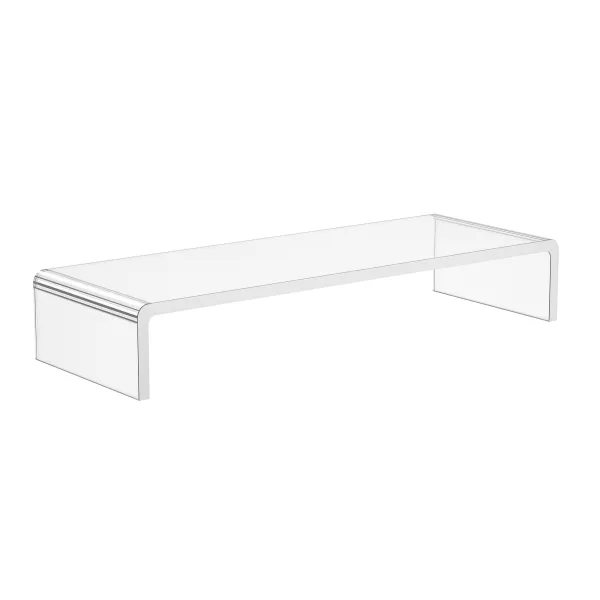
Lucent Acrylic Monitor Riser
Clear acrylic: the riser that disappears
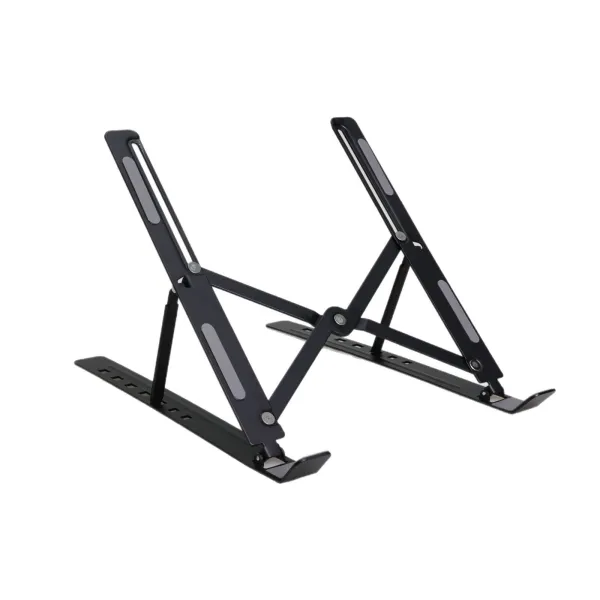
Wing Folding Laptop Stand
7 angles, folds flat, 230 g
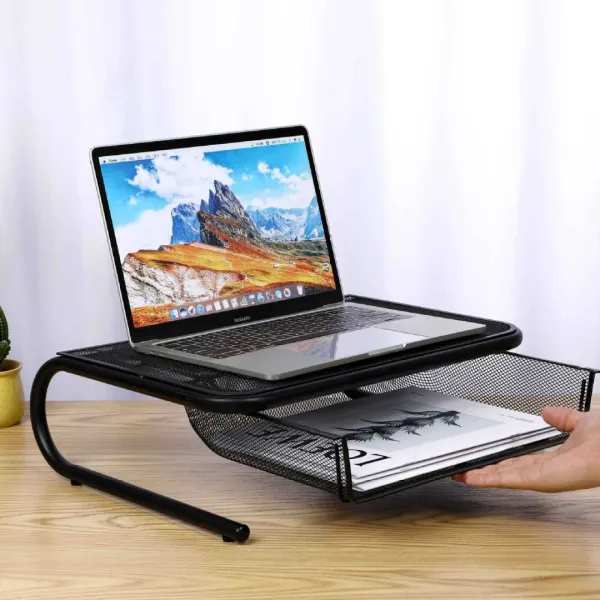
Arch Mesh Monitor Riser
Ventilated steel mesh, budget-friendly lift
Stands and risers raise a laptop or monitor toward eye level so your neck stays neutral, without clamping an arm to the desk. When buying, weigh the height range against your seated eye level, the load rating against your screen's weight, the footprint against your desk depth, and whether you need portability (a foldable laptop stand) or fixed height (a solid riser). Deskt ships these within the Netherlands for free, with 14-day returns and a 2-year warranty, priced in EUR including VAT.
Stands & risers — questions, answered
Do I want a laptop stand or a monitor riser?
A laptop stand (aero-stand or summit-stand) lifts a laptop screen and is best paired with a separate keyboard and mouse, since the built-in keyboard rises with it. A monitor riser (zenith-riser, duo-riser or lift-riser) sits under an external monitor to raise the panel and free up desk space beneath. Choose the stand for laptop-first setups, the riser for a desktop monitor.
How high should my screen sit?
As a general guide, the top of the screen should land at or just below eye level when you sit upright, so your gaze drops slightly and your neck stays neutral. If you want to fine-tune the height, lift-riser is adjustable; zenith-riser and duo-riser offer a fixed lift that suits most desk and chair heights.
Can a riser hold two monitors?
Yes. duo-riser is built for a dual-monitor setup, giving both screens a shared raised platform and storage underneath. For a single monitor, zenith-riser or the adjustable lift-riser are the better fit.