Ergonomic keyboards that keep your wrists neutral
A keyboard sets the angle of your wrists for hours at a time, so small design choices matter more here than on almost any other desk item. Deskt's keyboards are shaped to keep your hands closer to their natural resting position: whether you want a fully split layout, a gentle ergonomic curve, or a slim wireless board that frees up desk space. For anyone who types all day and wants to feel less strain by evening.
An ergonomic keyboard — split, contoured, compact or ortholinear: lets your hands sit shoulder-width and angled, keeping wrists straighter over a full day. Expect a short adaptation period. Deskt stocks the range with matching wrist supports, shipped free within the Netherlands.
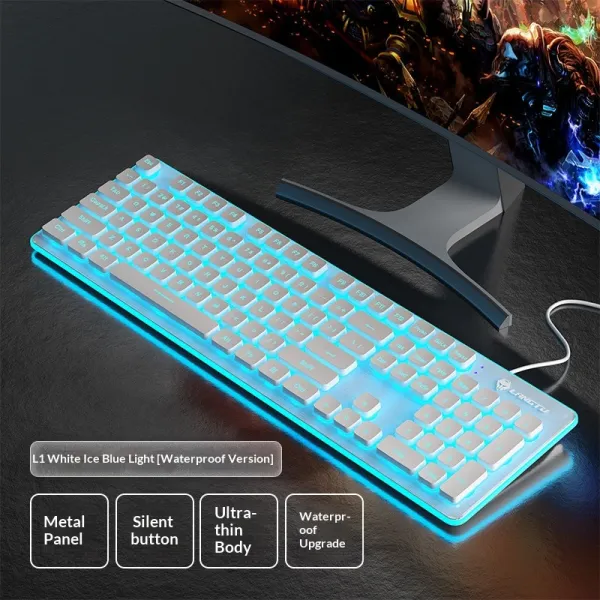
Ergonomic keyboards reduce wrist pronation and ulnar deviation by changing key layout and tenting instead of forcing a flat, straight-across posture. Key factors when choosing: split versus curved layout, wired or wireless connectivity, key switch feel and noise, footprint, and whether it fits your existing mouse and desk setup. Deskt offers a split keyboard (pulse-keyboard), a one-piece ergonomic keyboard (wave-keyboard), and a compact wireless board (compact-keyboard), all with free shipping in the Netherlands, 14-day returns, a 2-year warranty, and EUR prices including VAT.
Keyboards — questions, answered
What's the difference between a split and an ergonomic keyboard?
A split keyboard (pulse-keyboard) separates the two halves so each hand can sit at its own angle and width, giving the most freedom to straighten your wrists. A one-piece ergonomic keyboard (wave-keyboard) keeps a single body but curves and tilts the keys, which is an easier adjustment if you're coming from a standard flat board.
Are these keyboards wired or wireless?
The compact-keyboard is wireless, which keeps your desk clear and lets you push it aside when you need space. If you prefer a fixed connection and no charging, the wave-keyboard and pulse-keyboard focus on ergonomic layout rather than portability. Check each product page for its exact connectivity.
How long does adjusting to an ergonomic keyboard take?
Most people need a short adjustment period as their hands learn a new key spacing, and typing speed usually returns within a couple of weeks. A split layout like the pulse-keyboard takes a little longer to get used to than the curved wave-keyboard, but tends to feel the most natural once it clicks.