How to set up a standing desk correctly
A standing desk only earns its keep when it's set to your body, not the other way round. Here's how to dial in height, screen, hands and rhythm so standing feels effortless instead of tiring.
At a glance
| Product | Best for | Price | Warranty |
|---|---|---|---|
| Field Felt Desk Pad | Extended felt pad for keyboard and mouse | € 19.95 | 2 years |
| Rise Aluminium Laptop Stand | Rotatable aluminium, lifts screen to eye level | € 29.95 | 2 years |
| Fold Travel Tablet Stand | Folds flat, height-adjustable, bag-friendly | € 12.95 | 2 years |
| Crane Gas-Spring Monitor Arm | Gas-spring single arm, up to 27", 10 kg | € 79.95 | 2 years |
Start with height: your elbows set the number
The single most important measurement is elbow height. Stand relaxed with your shoulders down and your upper arms hanging straight, then bend your elbows to 90 degrees. The desk surface should sit at that height or a centimetre or two below it, so your forearms run roughly parallel to the floor while you type. Too high and your shoulders creep up towards your ears; too low and you hunch forward. Neither is subtle once you've felt the correct height. As a rough starting point, most people land close to these standing surface heights: around 95 cm at 160 cm tall, 101 cm at 170 cm, 104 cm at 175 cm, 108 cm at 180 cm, and 114 cm at 190 cm. Treat those as a first guess, then fine-tune by a centimetre at a time until your wrists are flat and your shoulders are loose. Your seated height matters just as much, and it is usually 15 to 20 cm lower, so an adjustable desk that remembers both positions saves you re-measuring twice a day. That is where a proper electric desk pays off. The Apex Electric Standing Desk stores your exact sit and stand heights as memory presets, so one tap returns you to a known-good position rather than an approximate one. If you would rather keep your current desktop, a converter that sits on top or a frame you fit your own top to will get you the same adjustability for less outlay.
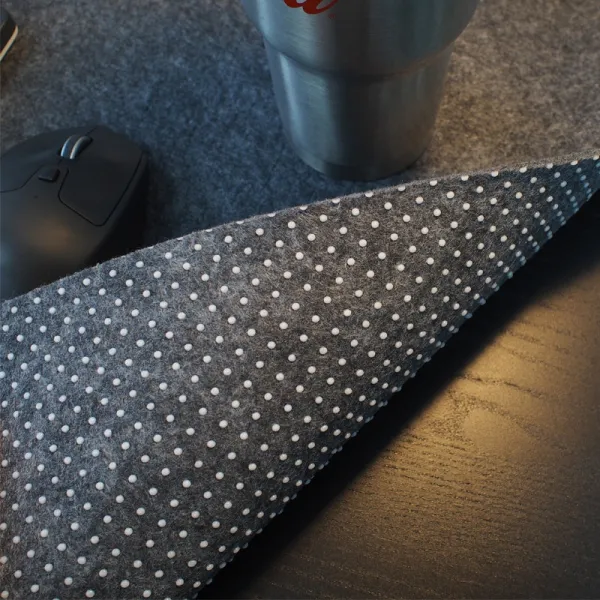
Field Felt Desk Pad
Extended felt pad for keyboard and mouse
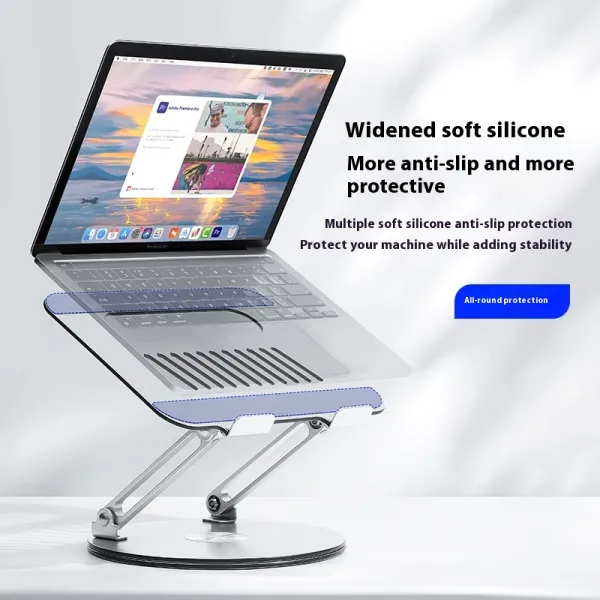
Rise Aluminium Laptop Stand
Rotatable aluminium, lifts screen to eye level
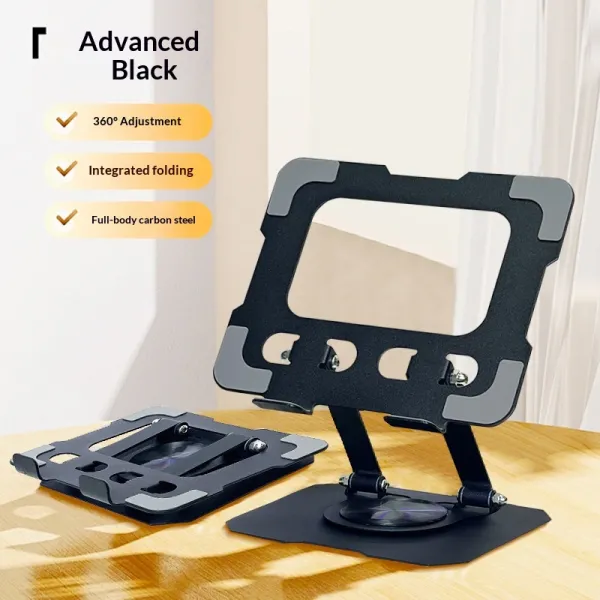
Fold Travel Tablet Stand
Folds flat, height-adjustable, bag-friendly
Move the monitor up with you
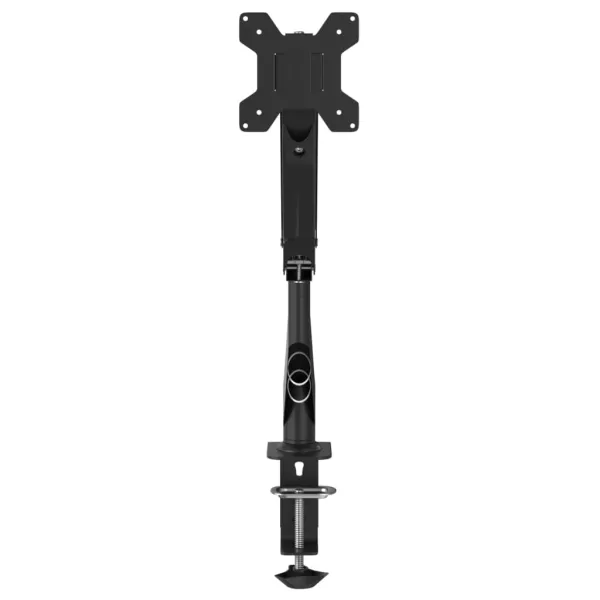
Height is only half the setup. When you rise, your screen has to rise with you, and this is where most standing desks quietly go wrong. On a full sit-stand desk the whole surface lifts together, so a monitor sitting on the desk keeps its relationship to your eyes. On a desktop converter, check that the upper screen tier still puts the top of your display at or just below eye level when you're standing, not stuck at seated height. Aim for the top third of the screen at eye level, the display about an arm's length away (roughly 50 to 70 cm), and tilted back slightly so your gaze drops around 15 to 20 degrees to the centre. A laptop alone can't do this, since raising the screen also raises the keyboard out of reach, so pair it with an external keyboard and lift the screen separately. A monitor arm makes the whole thing repeatable. It clamps to the desk, frees up the depth a stand would eat, and lets you re-aim the screen in seconds each time you change posture. The Arc Single Monitor Arm covers a standard display, the Glide Gas-Spring Arm handles heavier ultrawides, and the Arc Dual Monitor Arm sets two screens at matched height. If glare from overhead lighting creeps in as you stand, a monitor light bar clips to the top edge and lights the desk without bouncing off the panel.
Keyboard, mouse and neutral wrists
Standing changes how your hands meet the desk. People tend to plant their wrists harder when upright, which bends them back and loads the tendons. Keep your forearms level, wrists straight rather than cocked upward, and the mouse close enough that you're not reaching sideways. If your keyboard has flip-out feet at the back, leave them down or aim for a flat-to-slightly-negative tilt; propping the back edge up forces the exact wrist extension you want to avoid. An ergonomic keyboard helps hold that neutral line. The Wave Ergonomic Keyboard uses a gentle curve and a cushioned rest to keep the wrists relaxed, while the Pulse Split Keyboard separates and tents the two halves so your forearms sit at their natural angle instead of rotating inward. Pair either with a vertical mouse like the Curve Ergonomic Mouse, which keeps the wrist in a handshake position and takes the twist out of the forearm.
Stand on a forgiving surface
Standing still on a hard floor is more tiring than standing itself. Your legs work to hold you rigid, circulation slows, and the fatigue you blame on the desk is often just the floor. An anti-fatigue mat solves most of it: the cushioned surface makes you shift your weight and flex your ankles in tiny movements you don't notice, which keeps the blood moving and takes the edge off long stretches. The Terra Anti-Fatigue Mat gives a soft but stable surface with a bevelled edge so you can step on and off without tripping. Go barefoot or wear flat, supportive shoes rather than standing in socks on tile. A tilting footrest is a useful extra: propping one foot up now and then unloads your lower back and gives you a subtle way to change posture without leaving the desk.
Build a sit-stand rhythm, don't stand all day
The goal isn't to stand for eight hours. Static standing has its own costs, and swapping one fixed posture for another misses the point. What actually helps is changing position often, so the useful habit is a rhythm rather than a marathon. A widely cited guideline is roughly 20 minutes seated, 8 minutes standing, and 2 minutes moving each half hour; you don't have to time it precisely, but alternating every 30 to 45 minutes is a sensible target. Ease into it. If you're new to standing, start with short spells and build up over a couple of weeks rather than committing to a full day and giving up sore. Memory presets make the switch frictionless, which is the real reason people keep it up. And treat your seated time as seriously as your standing time: a supportive chair like the ErgoPro Mesh Office Chair, set so your feet are flat and your lower back is supported, is what makes the sitting half restful instead of a slump. This is general guidance, not medical advice; if you have persistent pain, see a professional.
Dialing it in: common mistakes to avoid
A few errors show up again and again. Setting the desk too high is the most common, and the tell is shrugged shoulders and wrists that angle up to reach the keys; drop it until your forearms are level. Leaving the monitor at seated height when you stand is the second, which pulls your chin down and strains your neck, so raise the screen or fit an arm. Locking your knees and standing like a statue defeats the purpose entirely, so keep a soft bend and let yourself sway a little. The rest are easy fixes: skipping the mat and blaming the desk for tired legs, propping the keyboard's back feet up and bending the wrists, and going from zero to a full standing day in one go. Set your two presets once, get the screen and hands neutral, stand on something forgiving, and alternate often. Do that and the desk fades into the background, which is exactly what a good setup should do.
FAQ
How high should my standing desk be?
Set the surface at or just below your elbow height, measured with your shoulders relaxed and elbows bent to 90 degrees, so your forearms are parallel to the floor. As a starting estimate that's roughly 95 cm at 160 cm tall, 101 cm at 170 cm, 108 cm at 180 cm, and 114 cm at 190 cm. Fine-tune from there a centimetre at a time until your wrists are flat and your shoulders aren't shrugging.
How long should I stand versus sit?
Don't aim to stand all day. Changing posture often is what matters, so alternate roughly every 30 to 45 minutes; a popular guideline is about 20 minutes sitting, 8 standing and 2 moving per half hour. If you're new to it, build up gradually over a couple of weeks rather than committing to a full standing day at once.
Do I really need an anti-fatigue mat?
For anything beyond short spells, yes. Standing still on a hard floor makes your legs work to stay rigid and tires you faster than the standing itself. A cushioned mat encourages the small weight shifts and ankle movements that keep circulation going, which is usually the difference between standing comfortably and giving up on it.
Can I turn my existing desk into a standing desk?
Yes. A sit-stand converter sits on top of your current desk and lifts your screen and keyboard to standing height, while a sit-stand frame lets you fit your own desktop and gives you a full adjustable desk for less than a complete unit. Both get you the height range; just check the standing position still puts your monitor near eye level.