Monitor height and neck pain: the quick fix
If your neck aches by the afternoon, the screen is the first thing to check. A display that sits too low pulls your head forward for hours — and your neck pays for it.
At a glance
| Product | Best for | Price | Warranty |
|---|---|---|---|
| Rise Aluminium Laptop Stand | Rotatable aluminium, lifts screen to eye level | € 29.95 | 2 years |
| Gaming Office Backlit Wired Keyboard | Backlit keys for late sessions | € 39.95 | 2 years |
| Vertex Wireless Vertical Mouse | Bluetooth vertical mouse, neutral handshake grip | € 24.95 | 2 years |
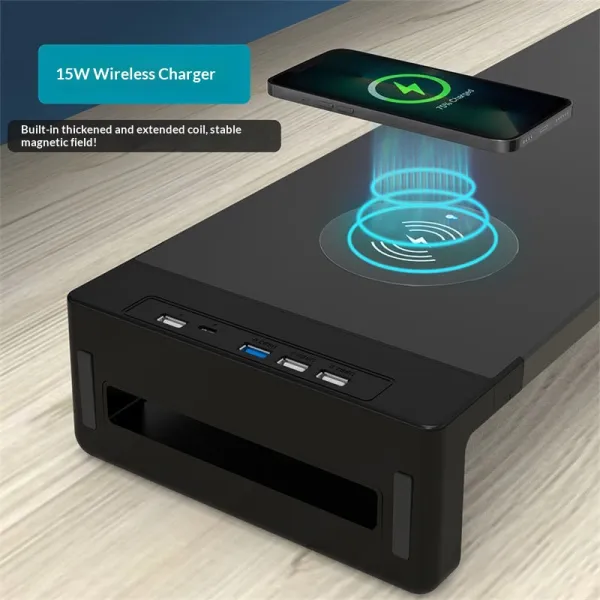
| Charge Monitor Riser | Monitor riser with built-in wireless charging pad | € 127.95 | 2 years |
Where the screen should sit
Looking straight ahead, your eyes should meet the top third of the screen, about an arm's length away.
Fixing a laptop
Lift the laptop on a stand and plug in an external keyboard and mouse.
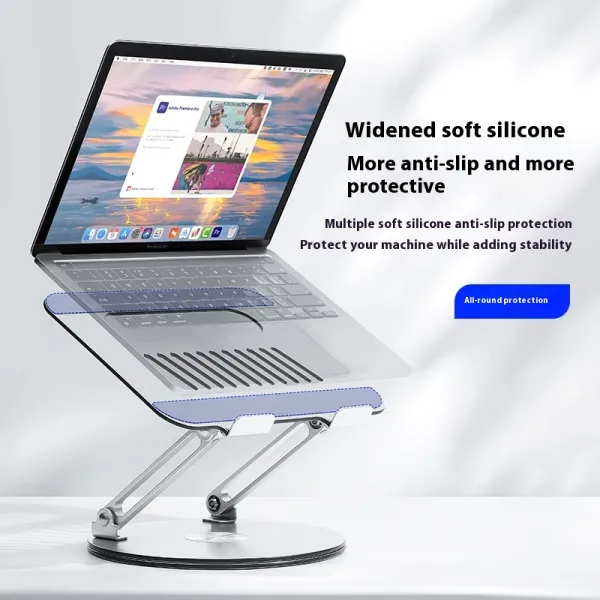
Rise Aluminium Laptop Stand
Rotatable aluminium, lifts screen to eye level
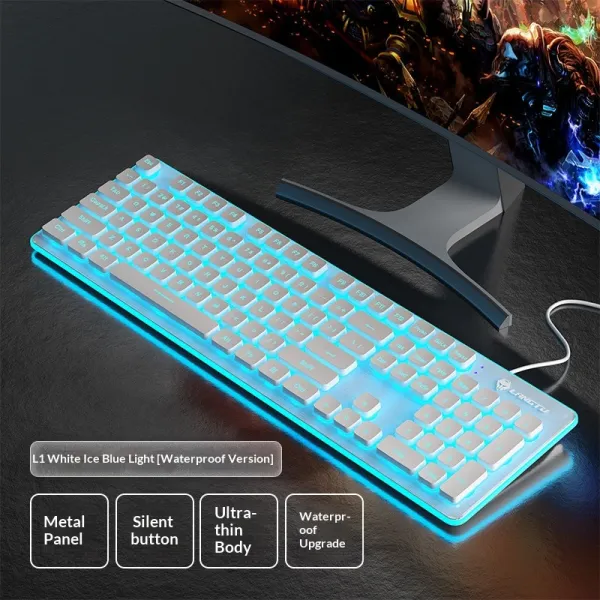
Gaming Office Backlit Wired Keyboard
Backlit keys for late sessions
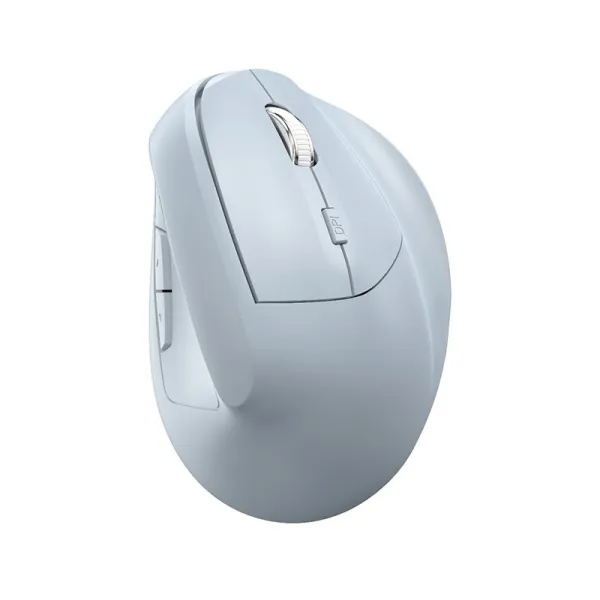
Vertex Wireless Vertical Mouse
Bluetooth vertical mouse, neutral handshake grip
Fixing a monitor
Use a riser, or a monitor arm to fine-tune height, tilt and distance.
FAQ
My screen is at eye level but my neck still hurts — why?
Check distance (about an arm's length), that you're not tilting the screen back, and increase the font size instead of leaning in.
Is a monitor arm better than a riser?
An arm gives finer adjustment and frees desk space; a riser is simpler and adds storage. Both solve height.